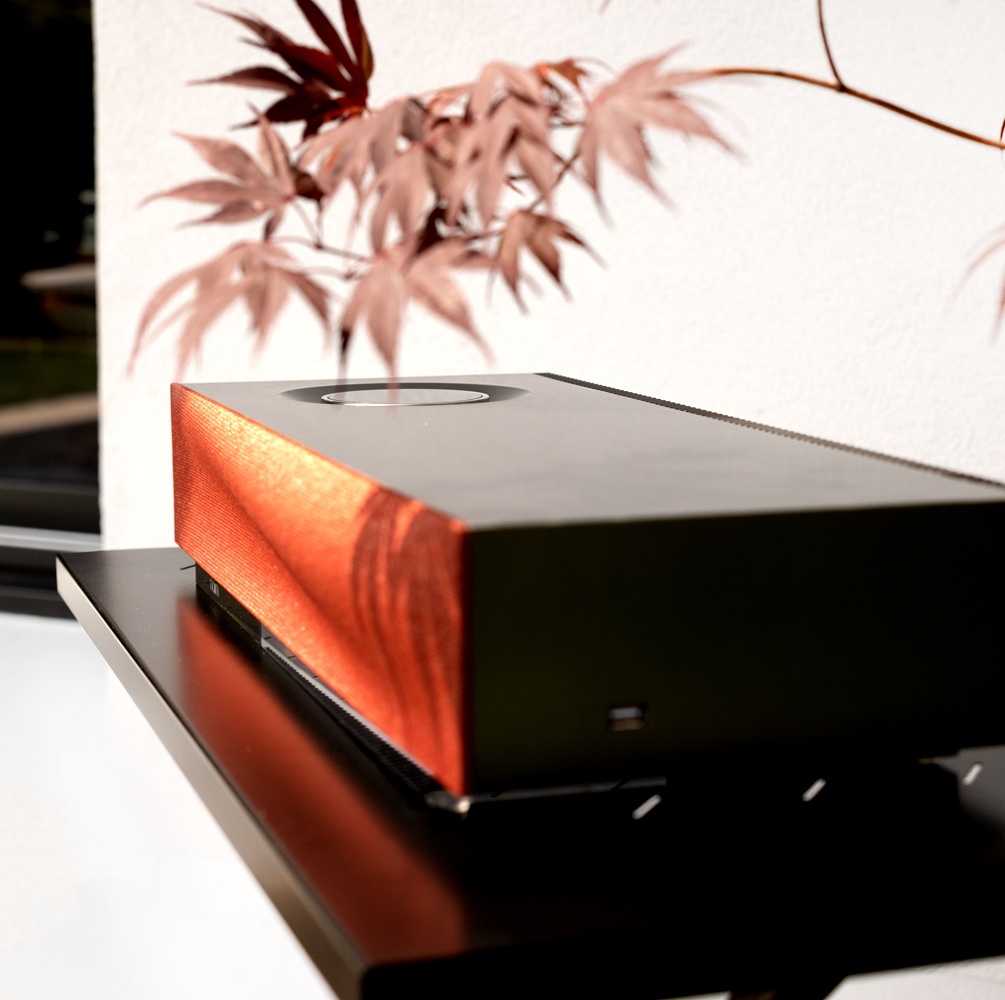
Restoring your Mu-So 2nd generation, Mu-So QB 2nd generation
Whether you're troubleshooting, transferring ownership, or starting fresh, restoring your Naim device to factory settings is a useful step.
Why Reset?
A factory reset:
Clears all user settings and network configurations
Resolves software or connectivity issues
Prepares the device for a new setup or user
Note: Resetting will erase saved preferences, including Wi-Fi credentials, input selections, and streaming service logins. Back up any important data before proceeding.
Wireless Systems
Mu-so 2nd Generation / Mu-so QB 2nd Generation
Locate the reset pinhole underneath the unit.
Press and hold using a paperclip.
Disconnect and reconnect the power cable while holding.
Continue holding for 10 seconds.
Release and wait for reboot.
JOIN THE COMMUNITY
Receive a sneak preview of the latest audio innovations from Focal and Naim by subscribing to our exclusive newsletters. Be among the first to discover our new products, and receive privileged information straight to your inbox.